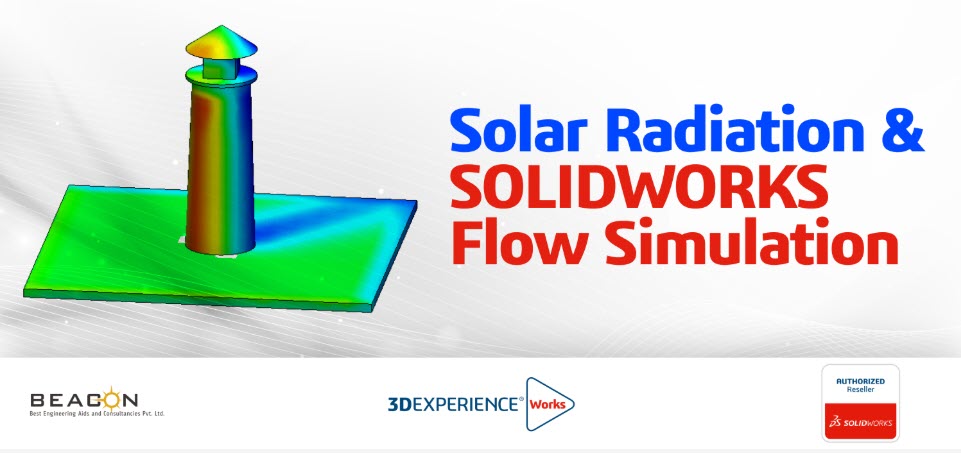
Advanced Solar Radiation in SOLIDWORKS Flow Simulation.
Solar radiation is the energy emitted by the Sun, which is sent in all directions through space as electromagnetic waves. SOLIDWORKS Flow Simulation has come with an advanced thermal radiation module for addressing Solar Radiation.
The user can access this option by selecting the SOLAR RADIATION in the WIZARD.
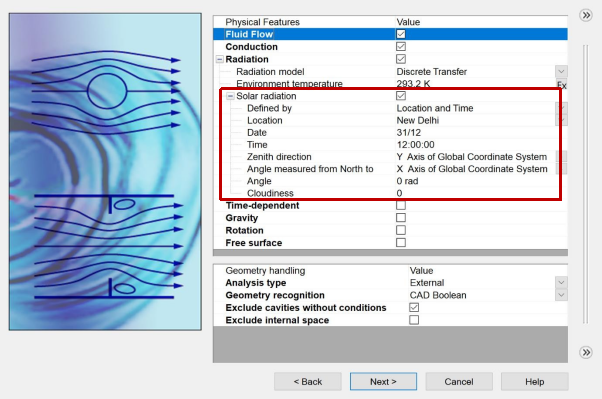
We can make use of advanced Engineering database to define the position of sun by giving the location and time, even you can define it by altitude and which way is north. We can add Azimuth and Zenith direction for solar radiation.
A lighthouse modelled using SOLIDWORKS and with help of SOLIDWORKS Flow Simulation- HVAC module runs a transient study for 6 hours. Select the location as New Delhi and choose the date and time shown above in the Wizard.
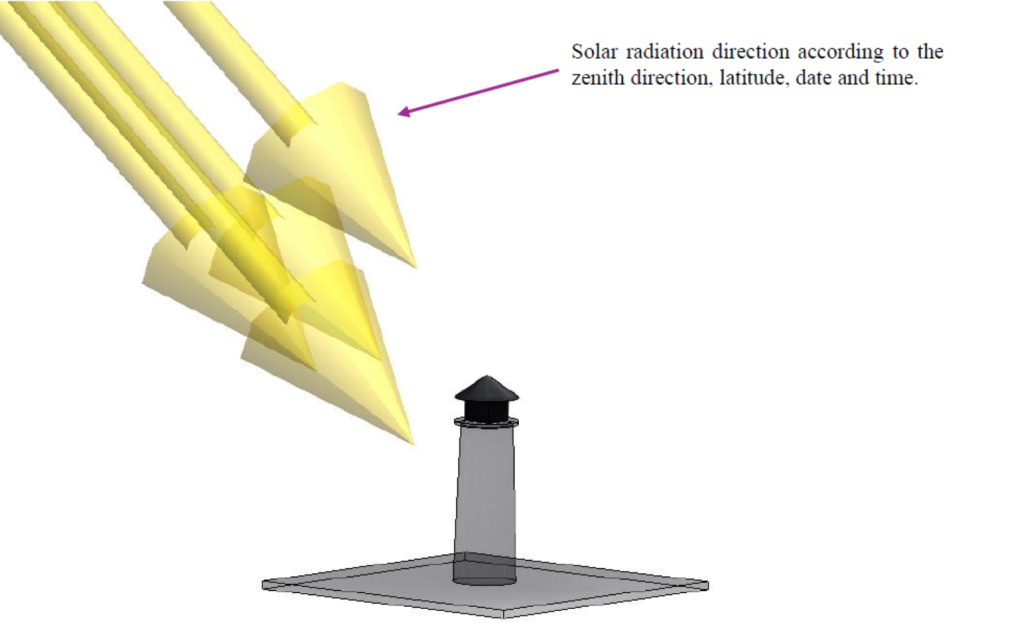
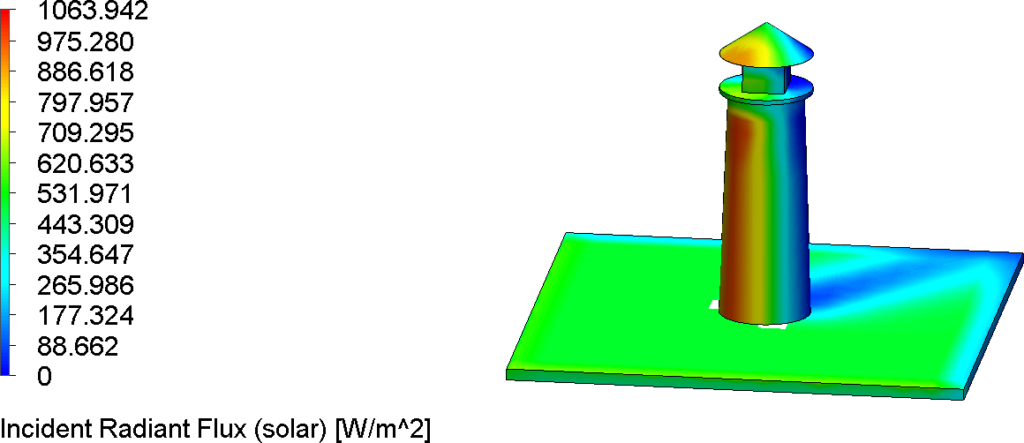
Defines the Zenith direction and azimuth angle in the wizard tab. By looking at the plot, how the incident radiation varies and the shadow of the lighthouse with respect to the direction of the sun at the given time.
Below are some key features available in SOLIDWORKS Flow Simulation with HVAC module.
Radiation Models
- Discrete Transfer
- Discrete Ordinates
Discrete Transfer
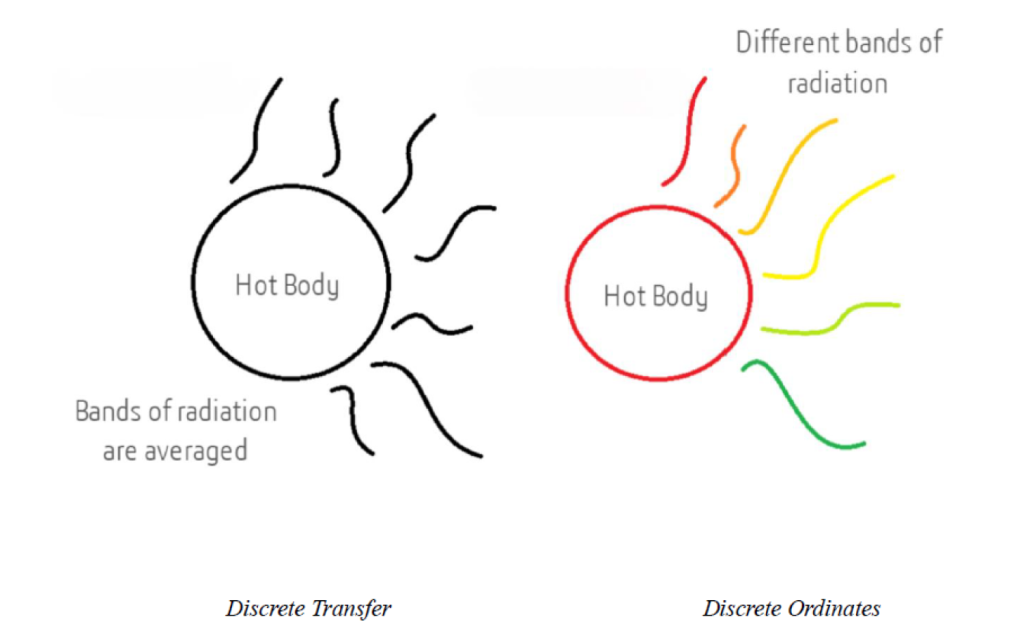
It’s a standard radiation model. This model doesn’t consider the bands of the electromagnetic spectrum to be separate.
Discrete Ordinates
This model is unique to the HVAC module and considers the bands of the electromagnetic spectrum individually.
Radiation
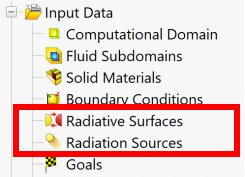
We can define radiation by means of a radiation source or a radiation surface. A radiation source adds thermal energy to the model, where the radiation surface dissipates existing thermal energy.
Material Library
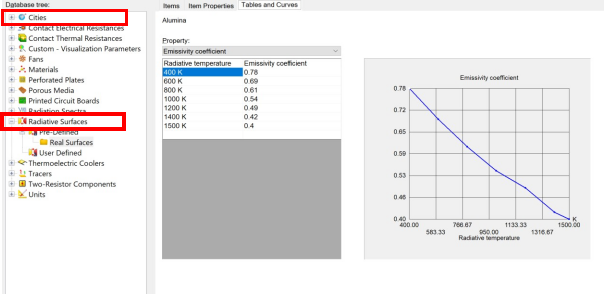
Extensive Engineering database available for defining radiative surfaces and Solar radiation. Depending upon the surface type, Reflection model (Diffusive, Specular and Gaussian) and emissivity, the radiative surfaces are modelled and capable of user defined surfaces as well.
By making use of the Advanced Solar Radiation Option in SOLIDWORKS Flow Simulation – HVAC module you can virtually validate your designs. Thanks for reading the blog.
We Urge You To Call BEACON India SOLIDWORKS VAR TEAM For Any Doubts & Clarifications That You May Have. We Are Eager to Talk To You
Call Us: +91 7406663589
GUEST POST BY Sebin PK, Application Engineer, Simulation, BEACON India