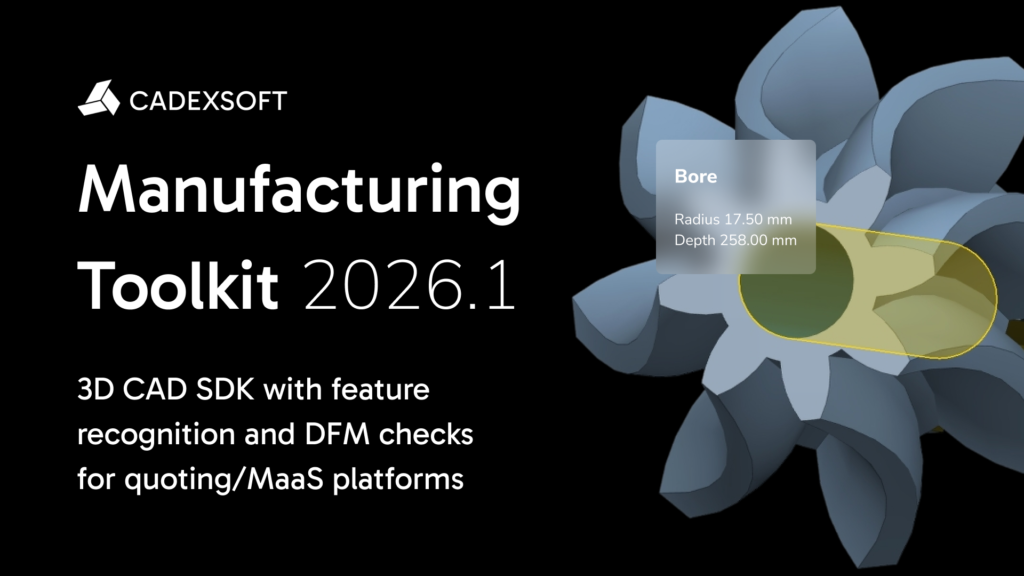
February 13, 2026: CADEXSOFT announces the release of Manufacturing Toolkit 2026.1 — a CAD SDK for developers building quoting, DFM, and MaaS platforms.
highlights:
- Unified MTKCore binary and package naming.
- Projection API enhancements and improved projection algorithm performance.
- MTK Workbench improvements.
Read more about the changes in our blog
Unified MTKCore binary and package naming
As part of ongoing efforts to improve consistency and clarity across the Manufacturing Toolkit ecosystem, the core MTK binaries have been renamed from CadExMTK to MTKCore. This change aligns binary naming with the updated CMake package name.
To maintain a consistent developer experience, all language wrappers have been updated to reflect the new package and binary names. This ensures clearer separation of MTK core functionality, simplifies integration, and reduces confusion when working across different languages and build systems.
Projection API enhancements
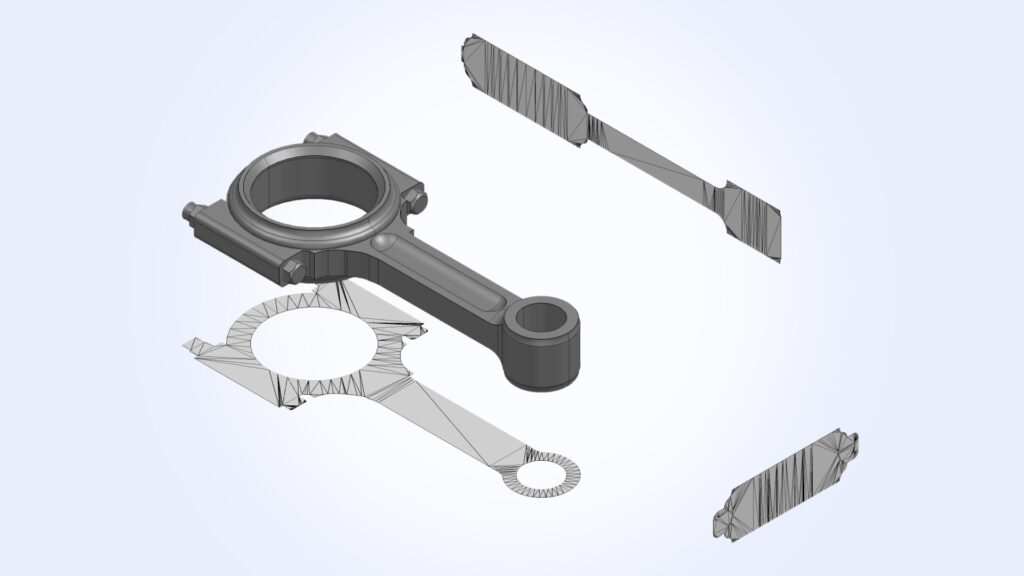
The projector in MTK is a tool used to compute geometric projections of 3D model parts onto a plane. It takes model topology, generates a projection in a specified direction, and returns structured data such as projection regions and contours, which you can directly use for analysis and visualization.
The projection API has been extended to provide richer and more flexible access to projection results. Instead of returning only numeric projection metrics, you can now also retrieve projection regions as structured geometry in the form of polylines or meshes for advanced processing and visualization.
Two new supporting classes have been introduced: Projector_ProjectionContour (represents individual outer or inner contours), and Projector_ProjectionRegion (models a continuous projection region—typically corresponding to a solid projection—defined by one outer contour and zero or more inner contours).
The projection algorithm has been significantly optimized, delivering up to a 5× performance improvement compared to previous releases.
MTK Workbench Improvements
MTK Workbench continues to evolve as a practical environment for testing, and deep analysis of MTK workflows.
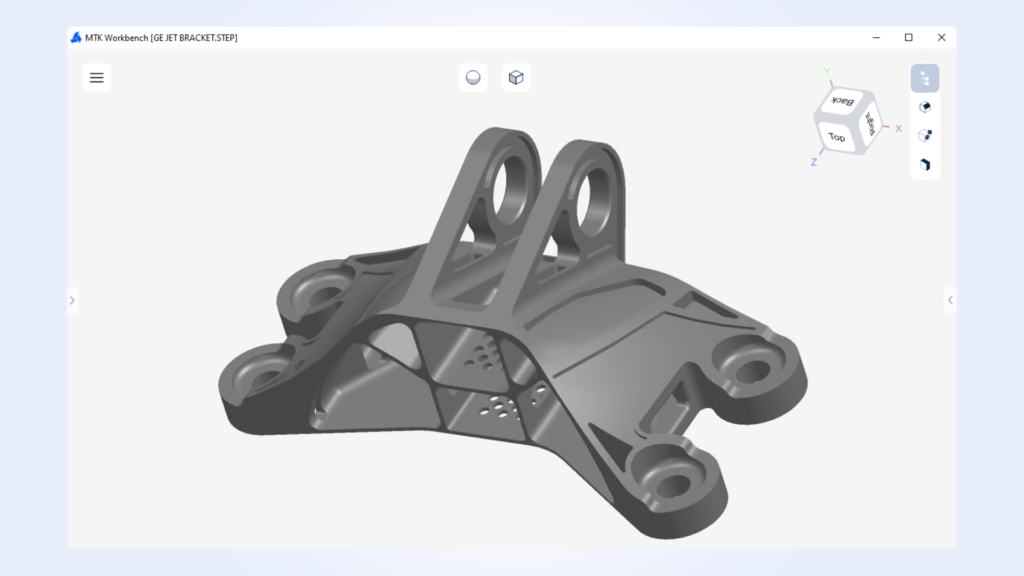
A new Shaded Without Boundaries display mode has been added to improve visual clarity when working with complex models. This mode renders the model without edge outlines, reducing visual noise and making it easier to focus on surface shape, curvature, and overall form.
Turning Face grouping has been refined by using the actual Machining_FaceType, rather than a generic classification. This change improves the accuracy and consistency of face grouping in turning workflows, making machining intent easier to interpret and reducing ambiguity during analysis.
Wall Thickness visualization improvements in MTK Web
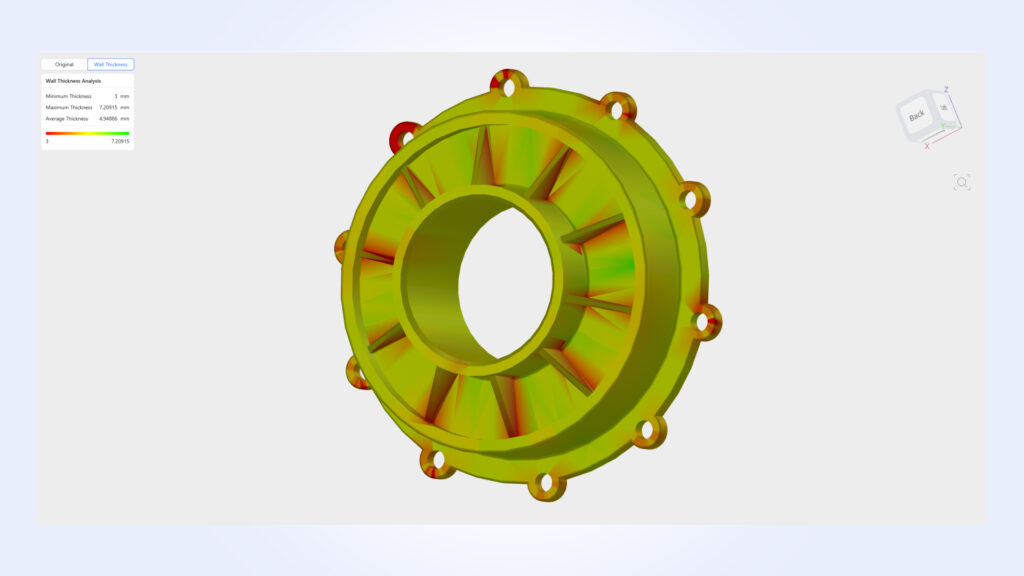
Wall Thickness visualization improvements include enhanced lighting accuracy, better shading consistency, and superior overall visualization quality in MTK Web.
To support these changes, the C#, Java, and Python MTKConverter examples for the Wall Thickness process have also been updated.
For more details, visit https://cadexsoft.com.