Feb 2, 2026: Our team is pleased to announce the latest version of CADEditorX, a powerful ActiveX component for working with 2D and 3D CAD files. Version 16 delivers major improvements across all key features — from file visualization and conversion to drawing editing and G-code generation.
Below you’ll find a detailed list of the new features and improvements introduced in CADEditorX 16.
3D Improvements
- Improved import of STEP, SLDPRT, X_T, X_B, and ACIS formats.
- Improved export to STEP and ACIS formats.
- Added new view options for 3D model display: Normal to, Normal to an entity, Invert view.
- Added total measurement calculation for 3D models.
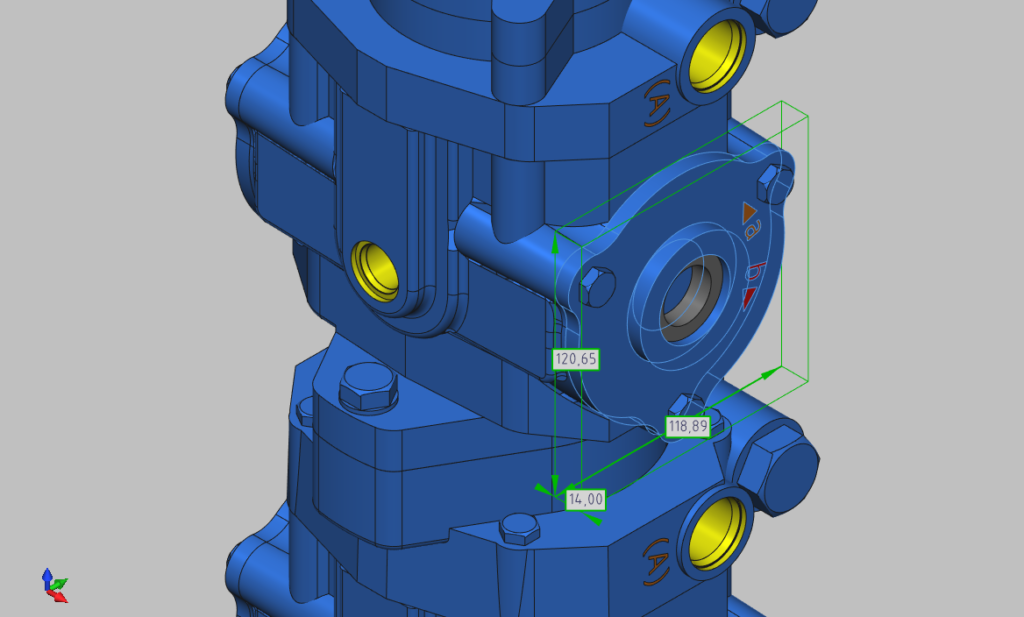
- Upgraded the Bounding box tool:
- Added Oriented Minimum Bounding Box calculation in addition to Axis-Aligned Bounding Box.
- Now allows obtaining overall dimensions not only for the entire model but also for a selected element.
2D Improvements
- Added export to DWG and DXF 2010, 2013, 2018 formats.
- Improved export to DWG, DXF, SVG, and PDF formats.
- Improved import of DWG, DXF, DWF, HPGL and SVG formats.
- Upgraded 2D measuring tools:
- Improved measuring experience.
- Added display of additional measurement information.
Improved G-code Generation
- Added the Create Pocket tool for creating pockets of any shape.
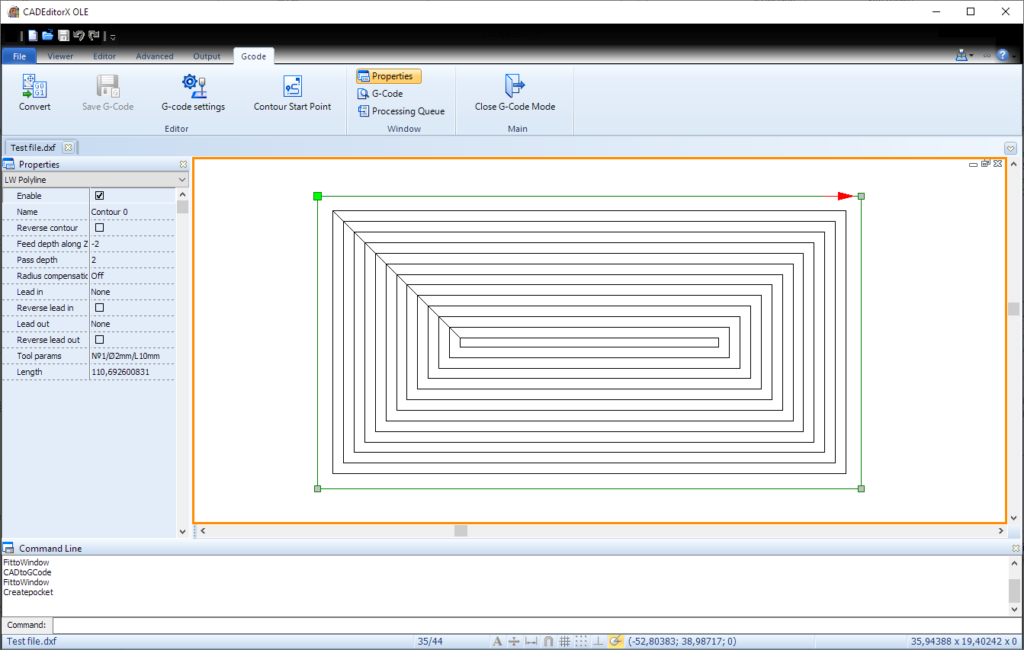
- Added a setting to round coordinates to the desired multiple (G-code settings -> General -> Precision factor).
- Added a setting for specifying incremental (G91) positioning (G-code settings -> Positioning -> Positioning system).
Improved Editor Mode
- Improved overall editing experience.
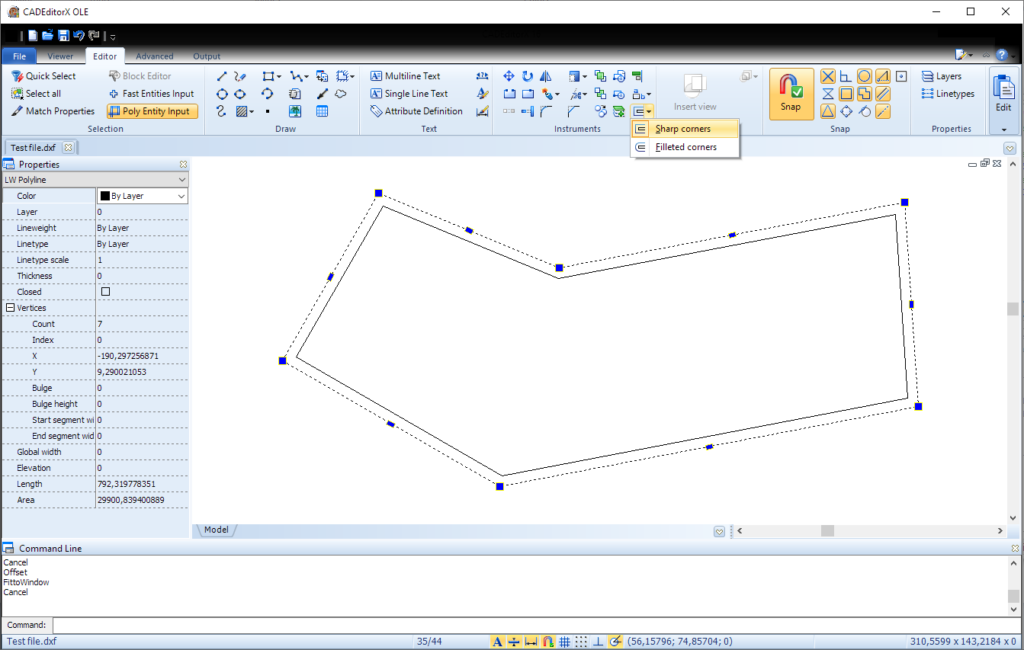
- Added the Offset tool for creating concentric circles and boundaries at a specified distance of the selected object.
- Added the Polygon tool for creating various types of polygons: Inscribed, Circumscribed, and Rect Edge.
- Added the Coordinate Points tool that allows placing points at specified coordinates with automatic line connection, and supports import/export of coordinate points in TXT and CSV formats.
- Added Geometric center snap and the option to display its symbol for closed polylines.
- Added a new method for inserting viewports (Editor -> Insert Viewport).
- Improved viewport navigation.
- Added an option to configure a drawing grid (File -> Options -> Grid).
Other Improvements
- Added a setting to adjust display border width (File -> Options -> Visualization -> Border around CAD image).
- Improved stability when running under Wine.
- Bug fixes and performance improvements.
Discover the full capabilities of CADEditorX 16 — download your free trial version today.
If you have a license for a previous version of the component, you can upgrade to version 16 at a special price. Contact us at info@cadsofttools.com, we will be glad to answer your questions and help with the upgrade.
For more details,visit https://cadsofttools.com/