Want to add realistic vents, louvers, lances, or custom features to your sheet metal designs quickly and accurately?
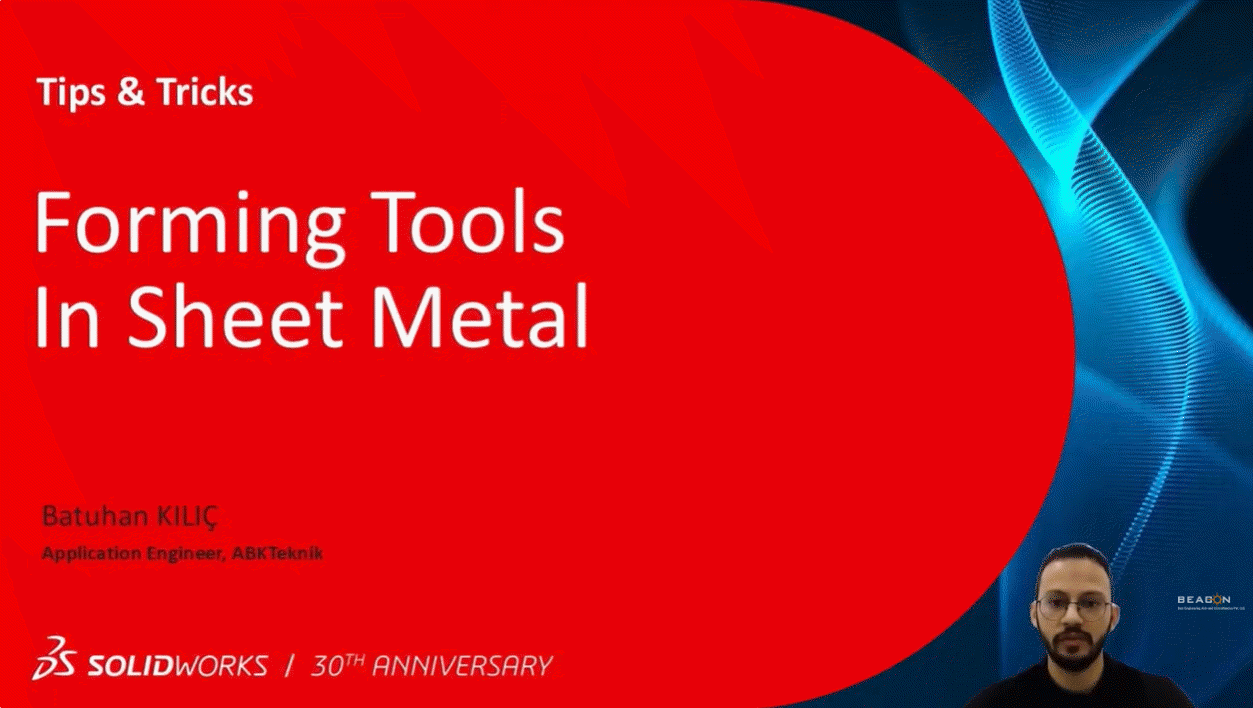
Check out this practical tutorial: “Forming Tools in Sheet Metal” by Batuhan Kilic, brought to you by BEACON India – your trusted SOLIDWORKS VAR in India.
In this video, Batuhan demonstrates:
-How to use standard forming tools from the Design Library
-Creating and applying custom forming tools (e.g., keyhole shapes)
-Tips for insertion point setup, rotation, flipping & positioning
-Best practices for Design for Manufacturing in SOLIDWORKS.
Whether you’re a designer, engineer, or manufacturing professional, these techniques can save time and improve part realism.
Watch now and level up your sheet metal modeling skills:
#SOLIDWORKS #SheetMetalDesign #FormingTools #CADTutorial #3DCAD #MechanicalEngineering #ProductDesign #EngineeringTips #SOLIDWORKSTips #BEACONIndia #DesignForManufacturing #imtexforming2026 #imtex2026
For more details contact: BEACON India +91 7406663589, info@beacon-india.com