GHENT, Belgium, Apr 6, 2026 – Octave BricsCAD V26.2, the first update to the product under Octave, has been released with 30 new and enhanced features. This release focuses on improving everyday CAD workflows by making it faster to switch between tools, work with data, move through repetitive steps, and reuse existing content. With V26.2, these workflows become more efficient and easier to manage, supported by targeted improvements that make a noticeable difference in day-to-day work.
BricsCAD for General Design: Faster, more flexible workflows
Many of the improvements in V26.2 focus on core CAD functionality and are available across BricsCAD Pro and BricsCAD Ultimate, which also includes BIM, Mechanical, and Survey workflows.
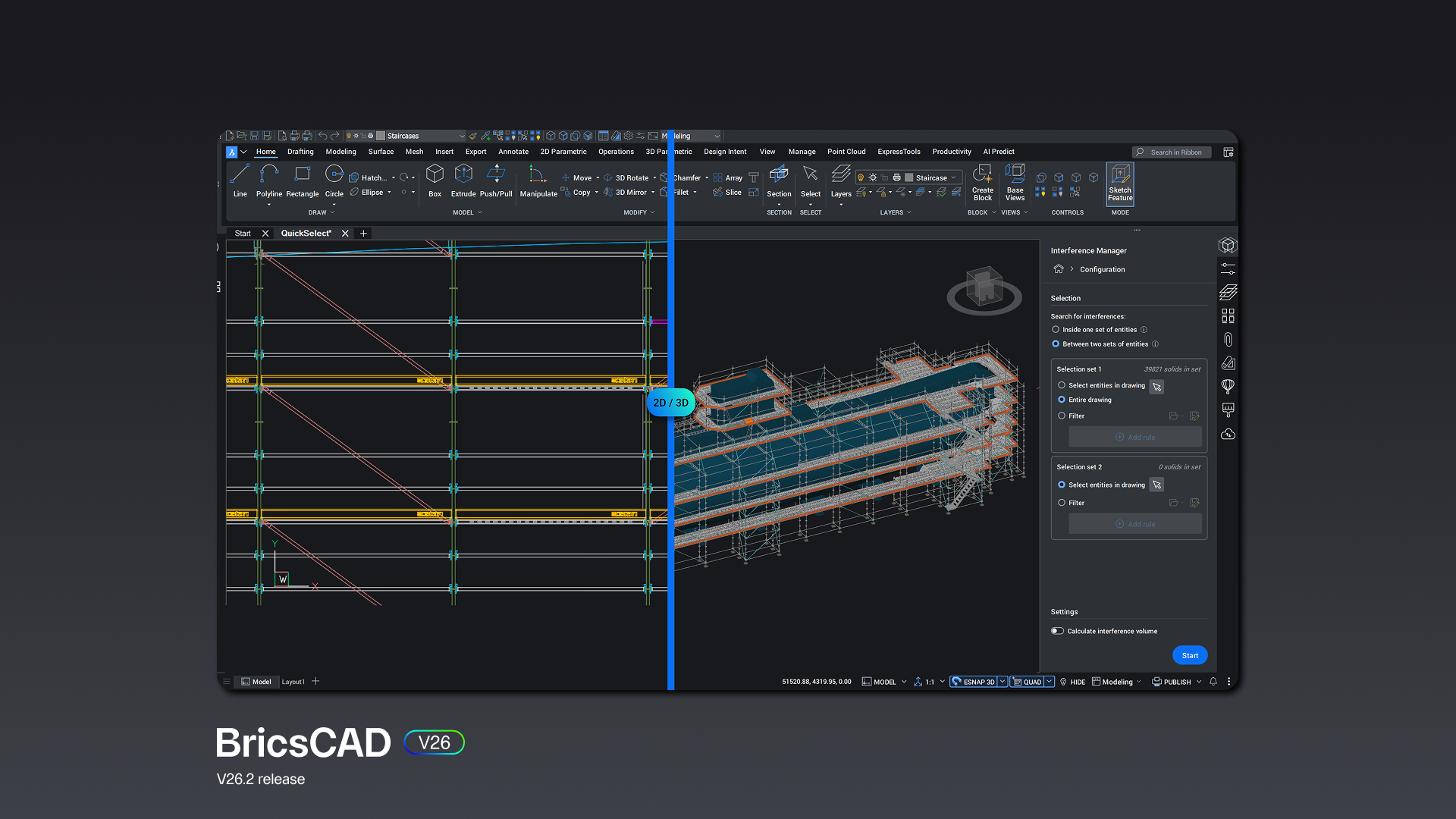
At the center is BricsCAD Assist, a new AI-driven panel built directly into the interface. It helps users find documentation, how-to guidance, and answers without leaving their drawing, helping reduce context switching. That same idea carries through in interactions with geometry. Filtering by property-based selection allows users to define and reuse queries to quickly isolate entities, whether selecting, deselecting, or refining a set. Combined with grip-based context editing, where relevant actions appear based on what you select, editing becomes more direct and less command-driven.
Dynamic Blocks, currently only available outside the U.S., continue to evolve in a meaningful way. Users can now create constraint parameters for Dynamic Blocks and manage Dynamic Block properties through Tool Palettes. Blocks are also more flexible after creation, with action properties for Dynamic Blocks that can be edited post-creation, lookup tables for Dynamic Blocks for variation, and more complete BEDIT functionality for Dynamic Blocks. Improvements to using Dynamic Block inserts with consistent behavior also ensure more predictable results in real workflows.
There are also improvements that reduce manual work. Convert and edit SHX text from PDF imports allows imported text to become editable automatically. Notification to improve Drawing Health runs in the background, identifying potential issues early. And when extracting data, users can now sort data before output in the Data Extraction Wizard, making results easier to use immediately.
Even dimensioning is more efficient. QDIM Advanced mode to reduce dimensioning time enables multi-directional chained dimensions in a single workflow, with preview and control built in.
Additional improvements support better reuse and consistency across projects, including drawing views conversion for easier reuse and import drawing styles and settings.
BricsCAD BIM: Better coordination and control over data
BricsCAD BIM workflows in V26.2 become more predictable, especially when working across tools and teams.
New integrations with Autodesk Construction Cloud and Bentley ProjectWise make it easier to stay connected to broader project environments. Instead of exporting and re-importing data between systems, workflows become more continuous.
Inside BricsCAD itself, performance improvements help where it matters most to users. Faster performance for BIM sections helps on larger models, while BIM data retention across Level of Detail ensures consistency as projects evolve.
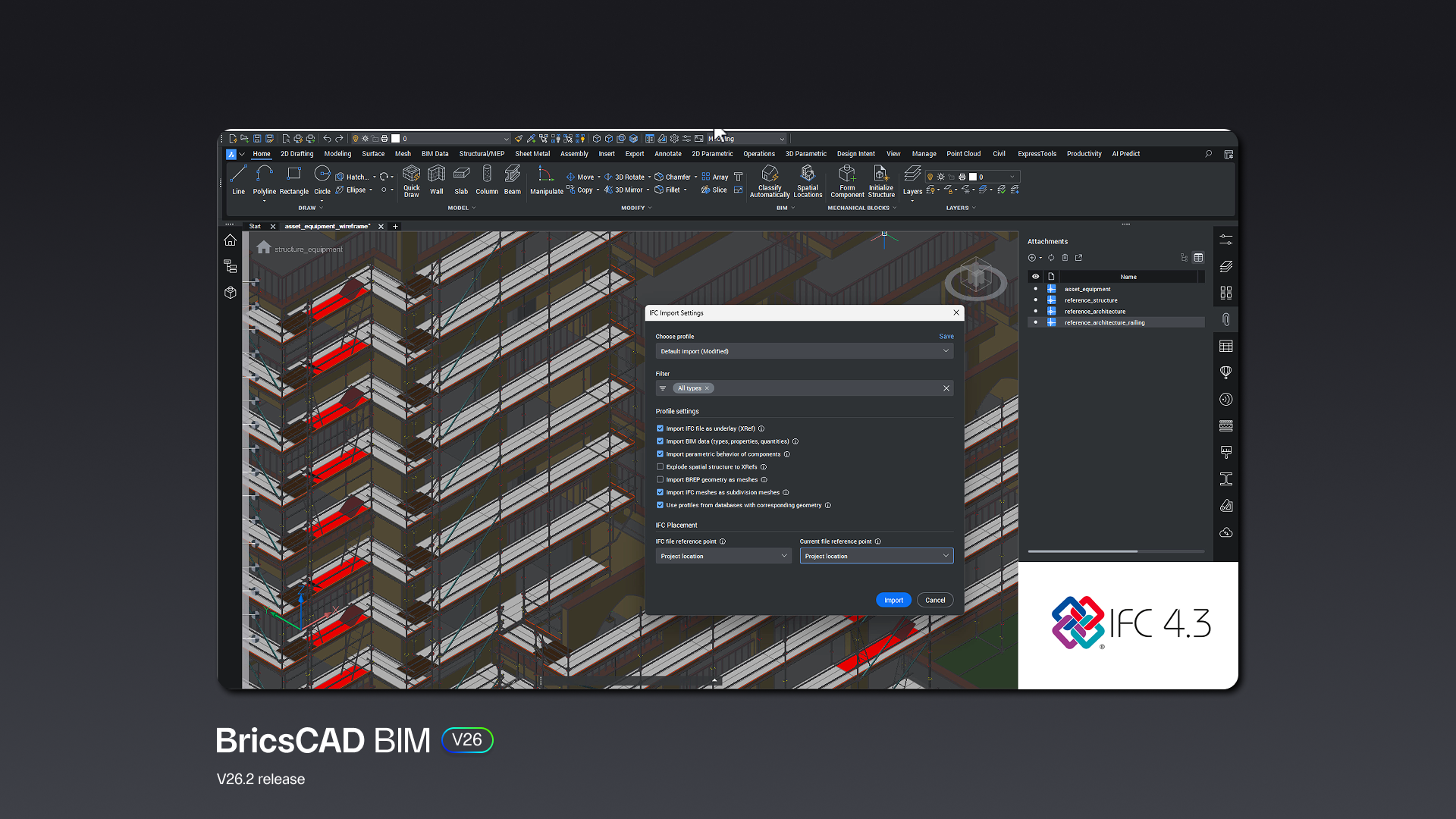
Exporting data is also more transparent. The new IFC export dialog box provides visibility into what’s being shared, along with filters and user profiles to control the output more precisely.
BricsCAD Mechanical: Improved integration and more reliable models
For BricsCAD Mechanical users, V26.2 leans into stability and integration.
BricsCAD now connects directly to both Siemens Teamcenter and Autodesk Vault integration, bringing PLM and PDM workflows closer to the design environment. This makes it easier to manage product data without stepping outside BricsCAD.
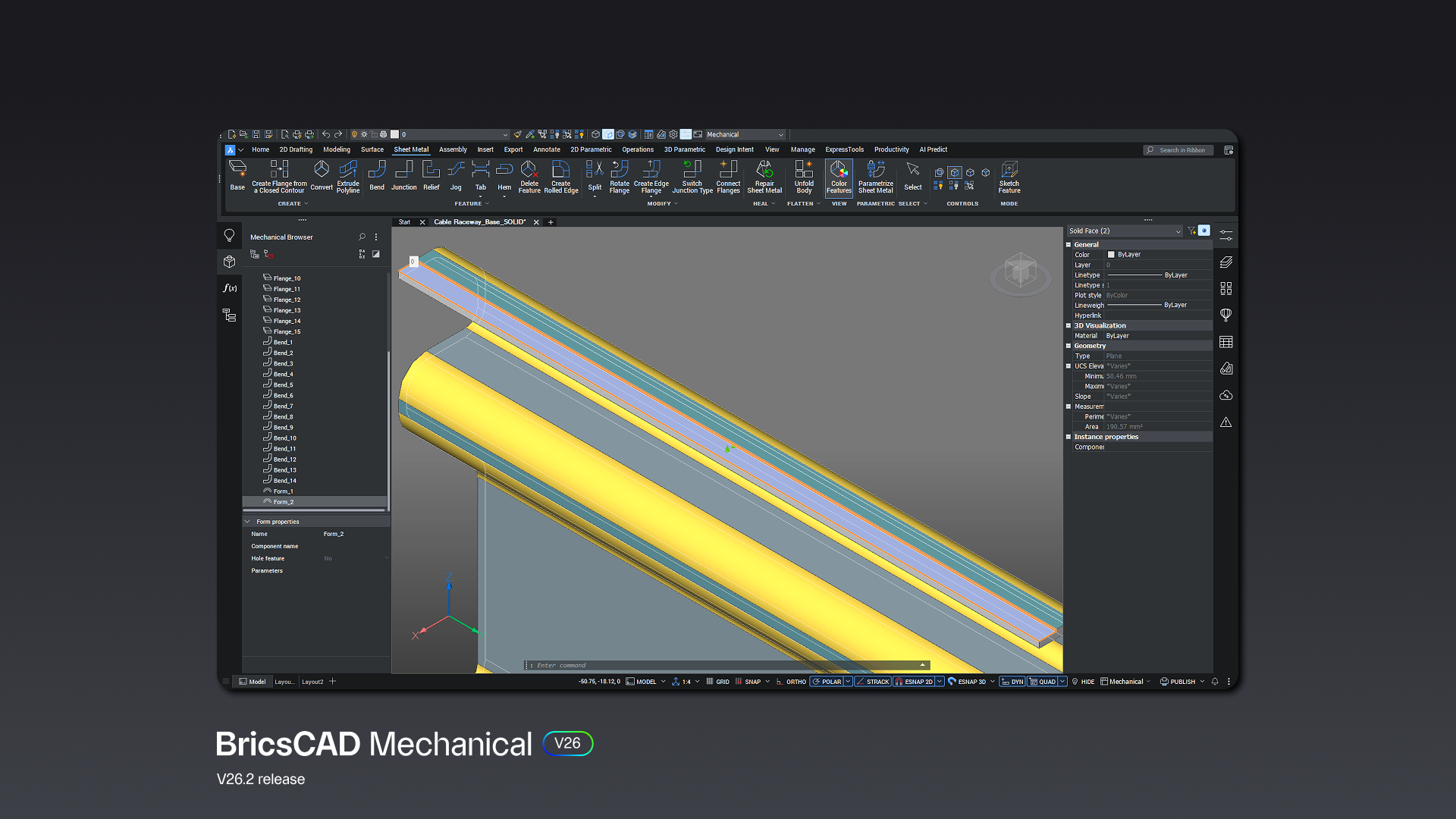
At the same time, improvements to DWG support—including DWG support for AutoCAD Mechanical 2022 format—help ensure smoother work with legacy and external files. Improved mechanical DWG stability reduces interruptions when opening and working with drawings.
There are also targeted enhancements to modeling workflows. Local sheet metal repair for targeted fixes allows you to fix specific features without reworking an entire part, while associative title blocks and mechanical data make it easier to include mechanical properties directly in annotations.
BricsCAD Pro for Land Surveyors: Faster paths, from data to deliverables
Survey workflows see a mix of new capabilities and expanded data support in BricsCAD V26.2.
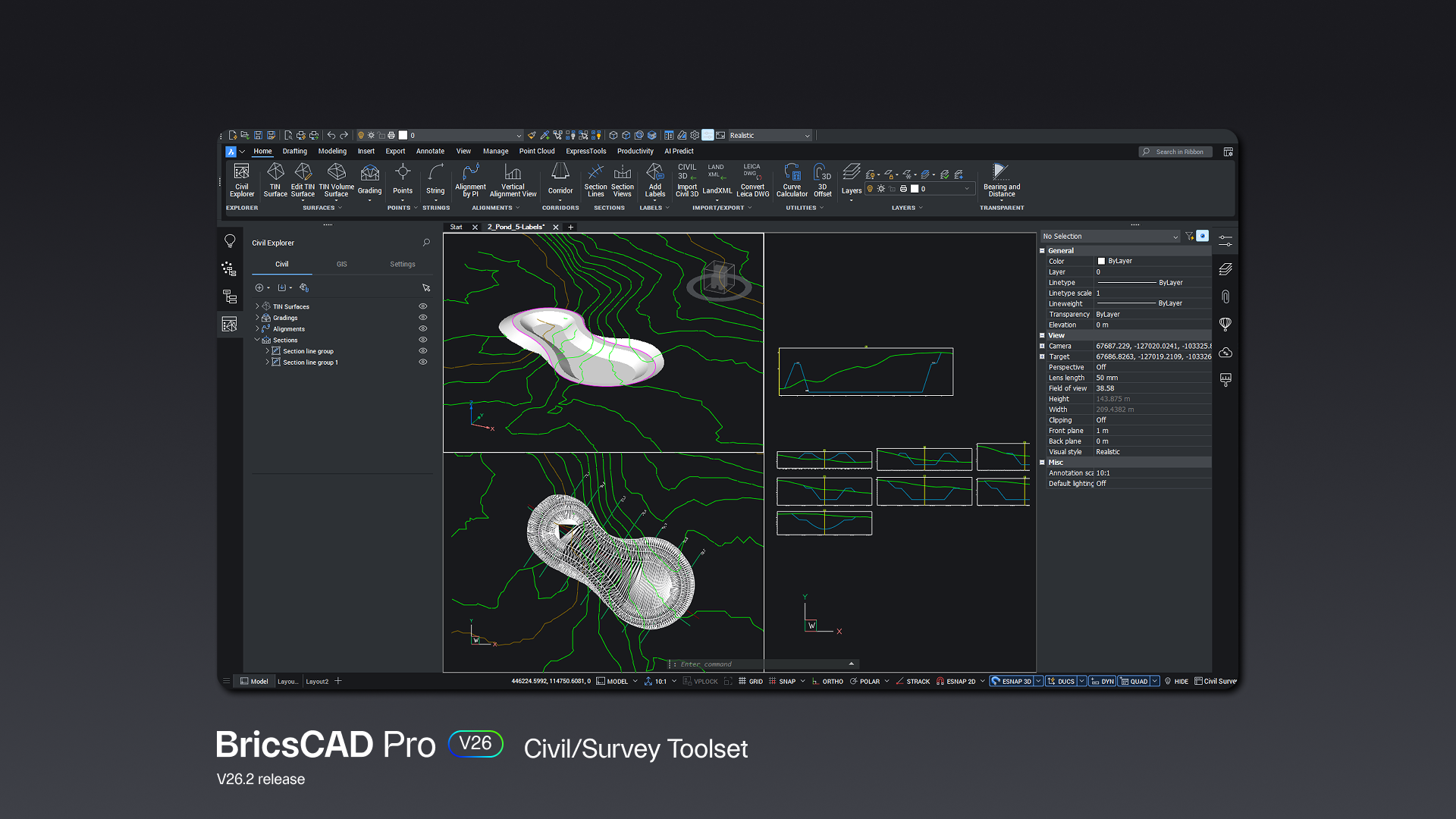
One of the more impactful additions is linear feature detection from point clouds. Instead of manually tracing features, you can now generate lines, polylines, or surfaces directly from scan data.
Support for terrain data has also been expanded with import and export Digital Elevation Models, including GEOTIFF and ASCII Grid formats.
Integration with Leica Infinity provides a direct connection to geospatial data workflows, reducing the need for intermediate steps. And when it comes time to deliver outputs, improvements to GIS export command options, along with a more consistent interface and shared profiles, help streamline the process.
Drawing consistency also gets attention, with the ability to import drawing styles and settings for civil projects.
Built for How You Work
BricsCAD V26.2 focuses on making CAD work better in practice. The improvements focus on fewer repetitive steps, better alignment with the tools teams already use, and more control in the moment. Most of these changes will show up consistently in your workflow—in how quickly you find something, fix something, or move on. You’ll feel the difference every day.
Explore what’s new in BricsCAD V26.2.
About Octave BricsCAD
The Octave BricsCAD product line empowers customers to deliver projects quicker with smart, cost-effective solutions. Our commitment to advanced CAD is matched by our dedication to providing exceptional support. Learn more at bricscad.octave.com.
About Octave
Octave provides mission-critical software that empowers organizations to make informed decisions across every stage of the asset lifecycle: Design, Build, Operate and Protect, where performance, safety, and reliability are non-negotiable and failure is not an option.
Turning complex operational data into actionable intelligence, Octave connects expertise, real-world conditions and enterprise-scale insight to improve performance, resilience and incident response where it matters most.
Octave has approximately 7,200 employees in 45 countries. Learn more at octave.com and follow us on LinkedIn.