We are excited to announce the release of ABViewer 16! This version delivers significant enhancements across all key features — from 3D visualization and measurement to PDF to DWG/DXF conversion and G-code generation.
Below you’ll find a detailed list of the new features and improvements introduced in ABViewer 16.
3D Improvements
- Improved import of STEP, SLDPRT, X_T, X_B, and ACIS formats.
- Improved export to STEP and ACIS formats.
- Added new view options for 3D model display:
- Normal to – aligns the view perpendicular to the selected face.
- Normal to an entity – aligns the view perpendicular to the selected face and fits it to the view area (hold Shift, select a face, and choose Normal to an entity).
- Invert view – reverses the current view to look from the opposite side.

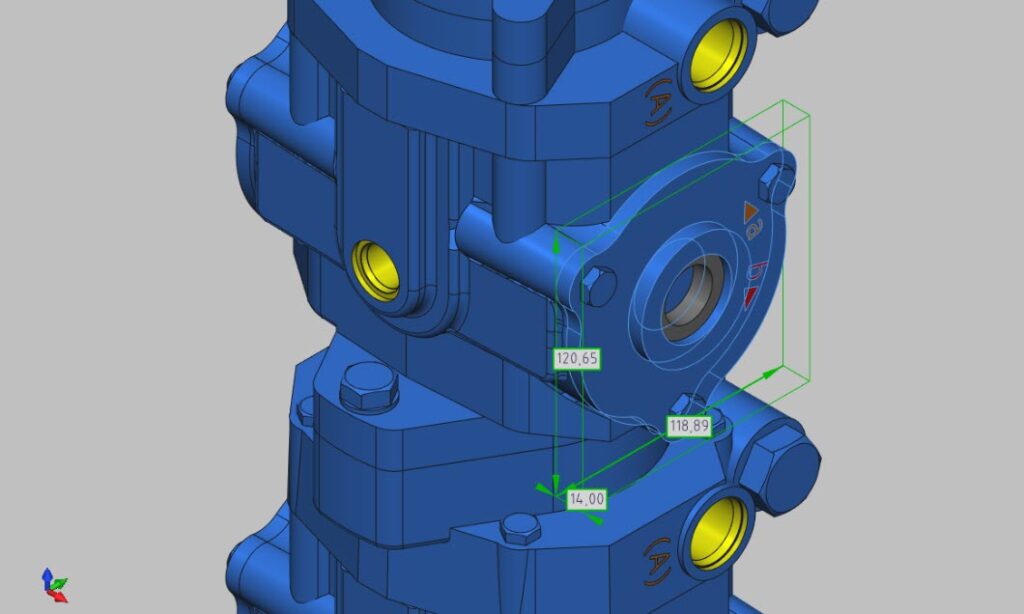
- Upgraded the Bounding box tool:
- Added Oriented Minimum Bounding Box calculation in addition to Axis-Aligned Bounding Box.
- Now allows obtaining overall dimensions not only for the entire model but also for a selected element (click Bounding box, then select a solid or hold Shift and select an individual face).
- Added total measurement calculation for 3D models.
2D Improvements
- Added export to DWG and DXF 2010, 2013, 2018 formats.
- Improved export to DWG, DXF, SVG, and PDF formats.
- Improved import of DWG, DXF, DWF, HPGL and SVG formats.
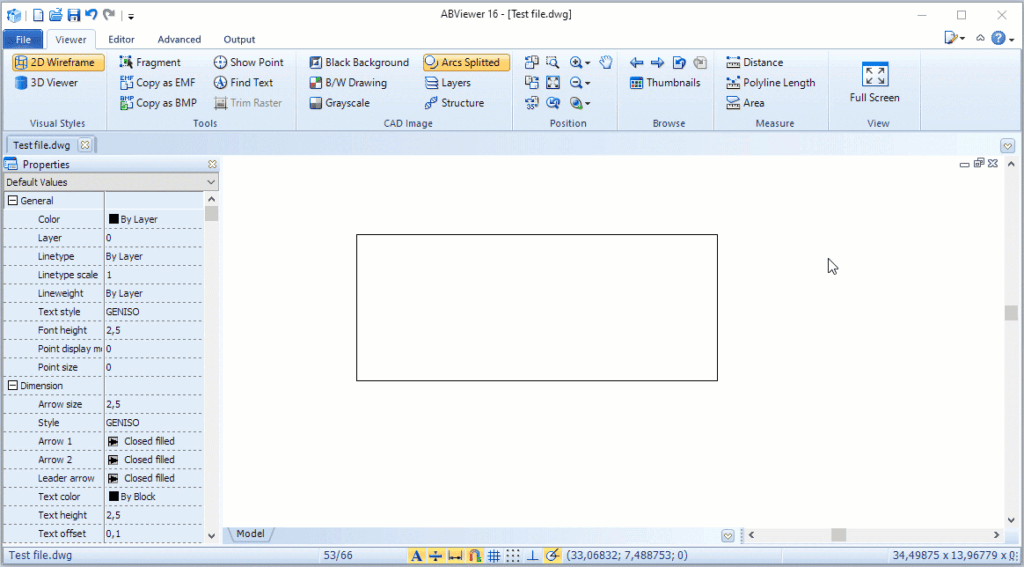
- Upgraded 2D measuring tools:
- Improved measuring experience.
- Added display of additional measurement information.
Improved PDF to DWG/DXF Conversion
- Improved overall conversion quality.
- Added a setting to apply transparency to fills (File -> Options -> Loading/Saving -> Apply transparency to fills).
- Added a setting to perform conversion via the Save as dialog (File -> Options -> Loading/Saving -> Convert PDF to editable drawing).
- Added an option to automatically open the file after PDF conversion for your convenience.
Improved G-code Generation
- Added the Create Pocket tool for creating pockets of any shape (select a contour, right-click, and choose Create pocket).
- Added a setting to round coordinates to the desired multiple (G-code settings -> General -> Precision factor).
- Added a setting for specifying incremental (G91) positioning (G-code settings -> Positioning -> Positioning system).
Improved Editor Mode
- Improved overall editing experience.
- Added the Offset tool for creating concentric circles and boundaries at a specified distance of the selected object.
- Added the Polygon tool for creating various types of polygons: Inscribed, Circumscribed, and Rect Edge.
- Added the Coordinate Points tool that allows placing points at specified coordinates with automatic line connection, and supports import/export of coordinate points in TXT and CSV formats.
- Added Geometric center snap and the option to display its symbol for closed polylines.
- Added a new method for inserting viewports: click Insert Viewport on the Editor tab, select an area of the drawing, and place it on the layout after setting the desired scale from the context menu.
- Improved viewport navigation.
- Added an option to configure a drawing grid (File -> Options -> Grid).
Other Improvements
- Added a setting to adjust display border width (File -> Options -> Visualization -> Border around CAD image).
- Improved stability when running under Wine.
- Bug fixes and performance improvements.
Download the latest version of ABViewer and try it out right now. It is free 30 days:
https://cadsofttools.com/download/abviewer.zip
If you have any questions or comments on ABViewer, please contact CADSoftTools at info@cadsofttools.com
Learn more about ABViewer at: https://cadsofttools.com/products/abviewer/
About CADSoftTools
Founded in 2000 CADSoftTools – Soft Gold Ltd. develops software products for industrial and construction drawings. The company offers a wide range of products from ready applications to libraries for developers. CADSoftTools cooperates with a large number of companies worldwide including Samsung, Hitachi Power Europe and others.