The journey into the world of 3D design, engineering, and digital manufacturing can seem overwhelming for beginners. Professional CAD software often comes with a steep learning curve, making it difficult for students, hobbyists, educators, and first-time makers to get started. This is where Tinkercad has established itself as one of the world’s most popular browser-based design platforms.
Developed by Autodesk, Tinkercad is a free, cloud-based application that makes 3D design, electronics simulation, and coding accessible to everyone. Whether you’re creating your first 3D model, designing a prototype for 3D printing, or learning basic electronics, Tinkercad provides an intuitive environment that removes the complexity often associated with CAD software.
Why Tinkercad Stands Out
Unlike traditional CAD applications that require installation and powerful hardware, Tinkercad runs directly in a web browser. Users can access their projects from virtually anywhere without worrying about software installation or licensing issues.
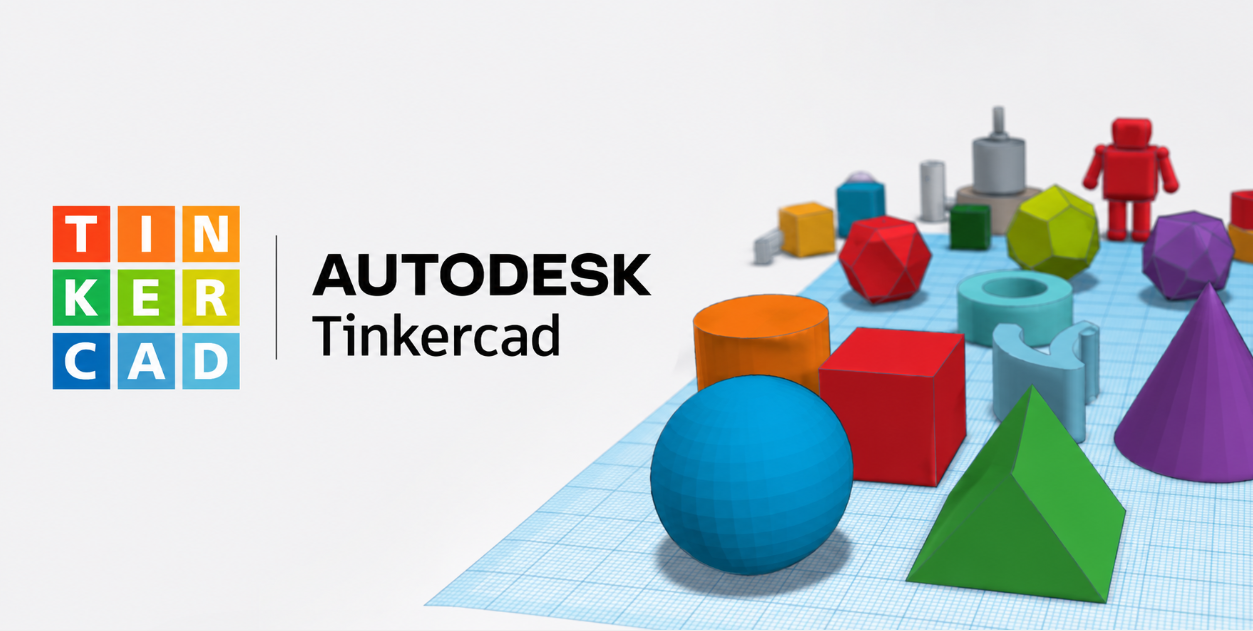
Its drag-and-drop interface allows beginners to create professional-looking 3D models by combining basic geometric shapes into more complex designs. This simple approach helps users quickly understand core concepts such as dimensions, alignment, grouping, scaling, and object manipulation.
For educators, this ease of use makes Tinkercad an excellent classroom tool for introducing students to engineering design and problem-solving.
More Than Just 3D Modeling
Although widely known as a beginner-friendly 3D modeling platform, Tinkercad offers much more than CAD design.
3D Design
Users can create:
- Product concepts
- Mechanical parts
- Toys and games
- Household accessories
- Architectural models
- Educational projects
- Custom 3D printable designs
The platform exports models in popular formats such as STL, OBJ, and SVG, making them compatible with most 3D printers and professional CAD workflows.
Electronics Simulation
One of Tinkercad’s most valuable features is its built-in electronics workspace.
Users can build and simulate electronic circuits using components such as:
- Arduino boards
- LEDs
- Sensors
- Motors
- Breadboards
- Resistors
- Capacitors
- Switches
Instead of assembling physical hardware immediately, students and makers can virtually test their circuits, identify issues, and refine their designs before building real prototypes.
Coding with Arduino
Tinkercad also introduces users to embedded programming through Arduino projects.
Users can:
- Program using block-based coding
- Transition to Arduino C++
- Test code within the simulator
- Debug virtual hardware before deployment
This integrated learning experience combines mechanical design, electronics, and programming within a single platform.
An Excellent Tool for STEM Education
Educational institutions worldwide have embraced Tinkercad because it supports hands-on learning while remaining easy to use.
Students gain practical exposure to:
- Design thinking
- Engineering fundamentals
- Computational thinking
- Electronics
- Coding
- Rapid prototyping
- Problem-solving
Teachers can create classrooms, assign projects, monitor student progress, and collaborate efficiently without requiring expensive software installations.
A Gateway to Professional CAD
While Tinkercad is designed for beginners, it also serves as a stepping stone toward professional engineering software such as Autodesk Fusion and other advanced CAD platforms.
By mastering basic concepts in Tinkercad, learners build confidence before moving on to more sophisticated tools used in product design, manufacturing, simulation, and engineering.
Ideal Users
Tinkercad is suitable for:
- School and college students
- STEM educators
- Makers and hobbyists
- DIY enthusiasts
- First-time CAD users
- Robotics clubs
- Startup innovators
- 3D printing enthusiasts
Its browser-based accessibility and zero-cost entry make it one of the easiest ways to begin exploring digital design and fabrication.
Supporting the Maker Movement
The growth of affordable 3D printers, maker spaces, robotics competitions, and innovation labs has increased the demand for simple yet capable design tools. Tinkercad plays a significant role in this ecosystem by lowering the barrier to entry for digital design and rapid prototyping.
Many makers begin their journey with Tinkercad before advancing to more complex engineering software, making it an important contributor to the global maker movement.
Final Thoughts
As engineering education continues to evolve, accessible tools like Tinkercad are helping inspire the next generation of designers, engineers, and innovators. Its combination of 3D modeling, electronics simulation, and coding in a single browser-based platform makes it an excellent choice for anyone starting their journey into CAD and product development.
For students, educators, makers, and aspiring engineers, Tinkercad offers a practical and engaging way to learn essential design and engineering skills—without the cost or complexity of traditional CAD software.
Start Using Tinkercad – Visit https://www.tinkercad.com/